

Description
Overview
The English to Hindi Dictionary APK is a dedicated offline language translation tool designed for mobile users seeking accurate and immediate word translations between English and Hindi. It addresses the common challenge of accessing language resources without an internet connection, making it particularly useful for travelers, students, and language learners on the move. The software provides a reliable solution for real-time translation needs, especially in areas with limited connectivity. With over 65,000 translations, it covers a broad range of everyday vocabulary, ensuring users can find relevant words for common conversations, academic work, or travel-related communication. The application is optimized for smartphones but can also be used on tablets and laptops, offering flexibility in device usage. While the developer's background is not specified, the app’s design emphasizes accessibility, simplicity, and functionality. It is especially suited for individuals learning Hindi as a second language or those requiring quick reference during daily interactions. The lack of ads, subscriptions, or in-app purchases enhances its appeal as a clean, user-focused tool. The developer did not provide additional system requirements, and exact performance details were not specified.
Key Features & Capabilities
- Offline Access: All dictionary content is available without an internet connection, ensuring consistent performance in remote or low-connectivity areas.
- Extensive Vocabulary: Over 65,000 word translations cover common terms used in daily communication, academic contexts, and travel scenarios.
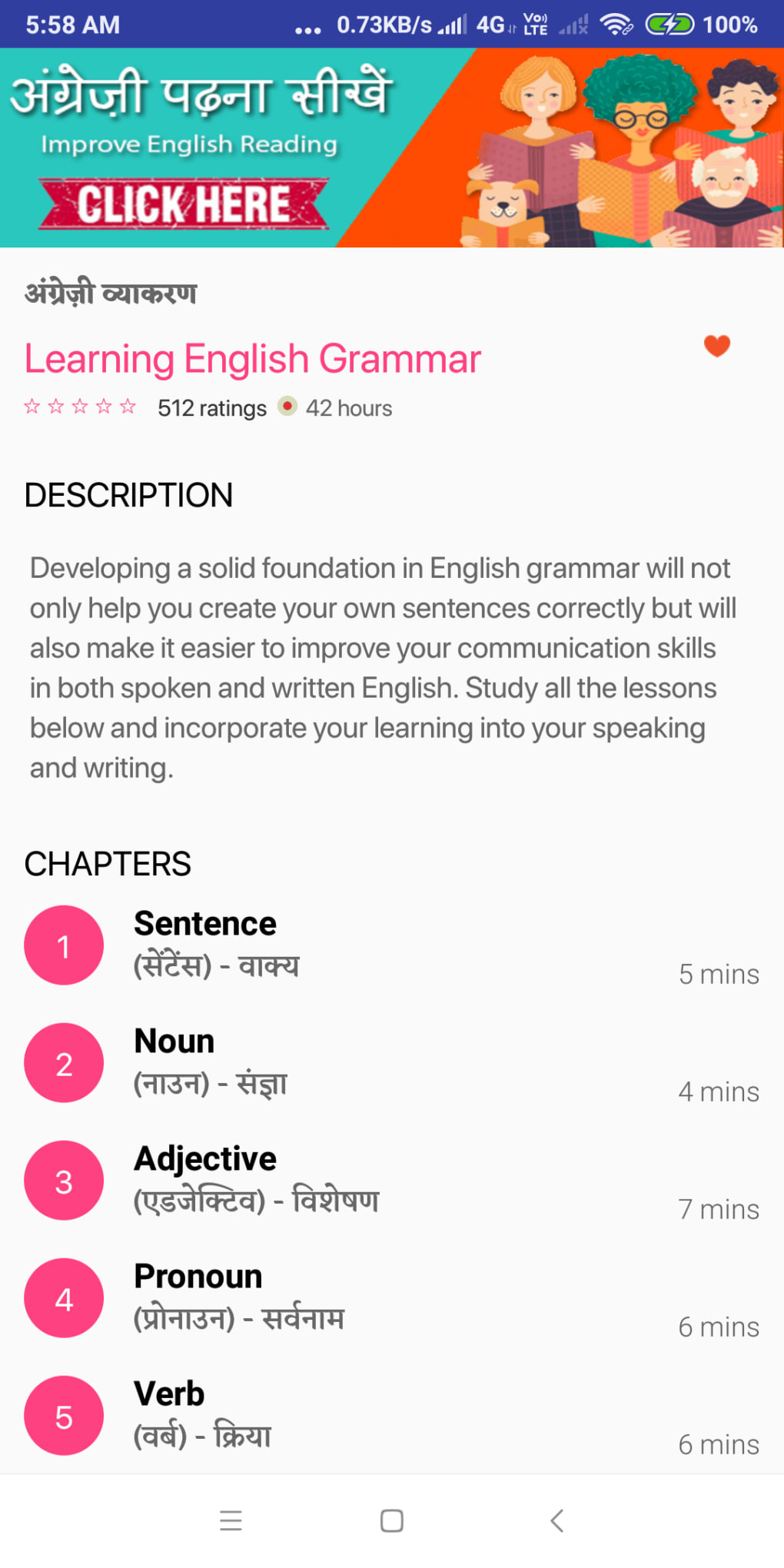
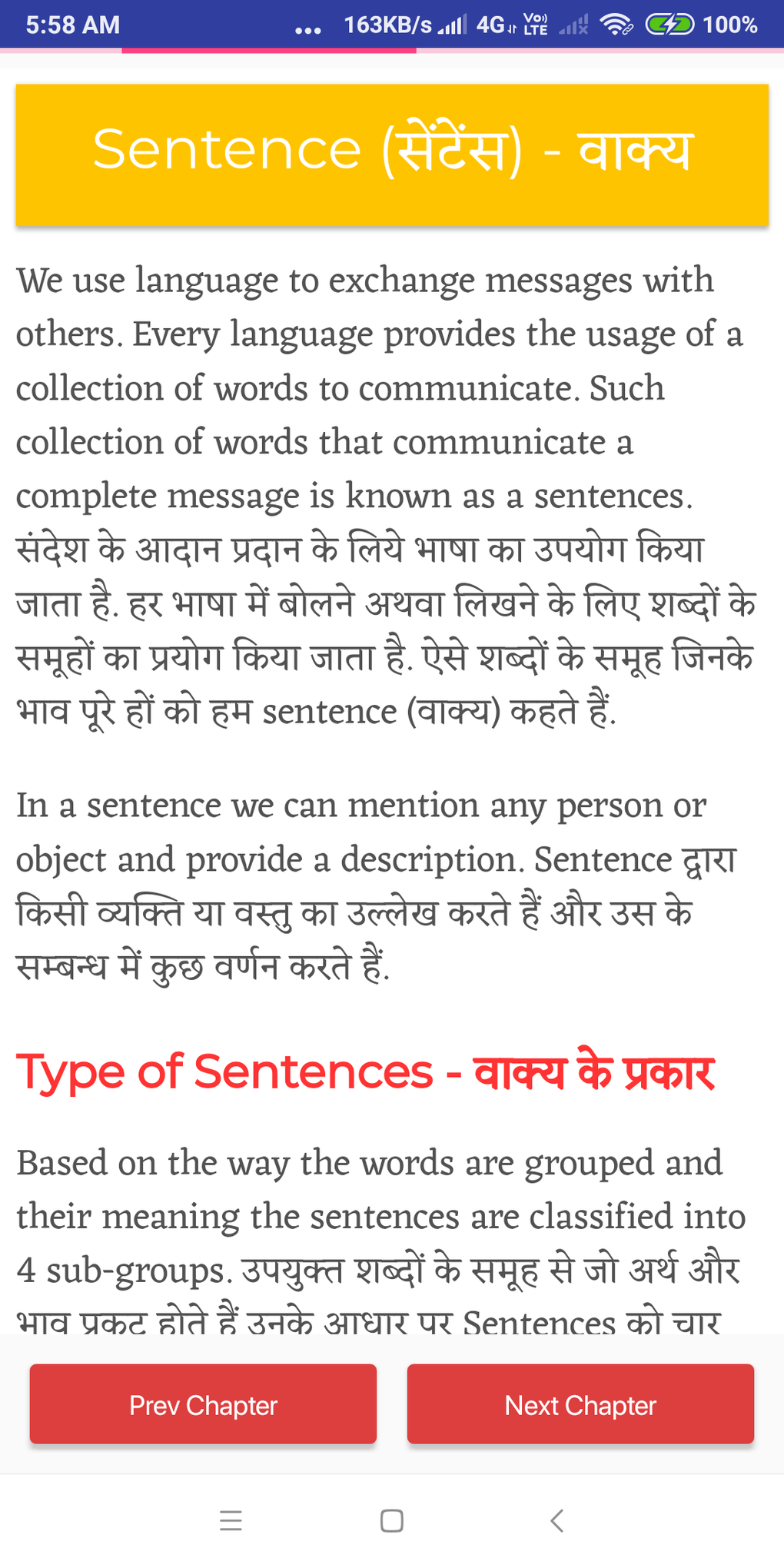
- Grammar Section: Includes examples of word usage in sentences, helping users understand context and proper application.
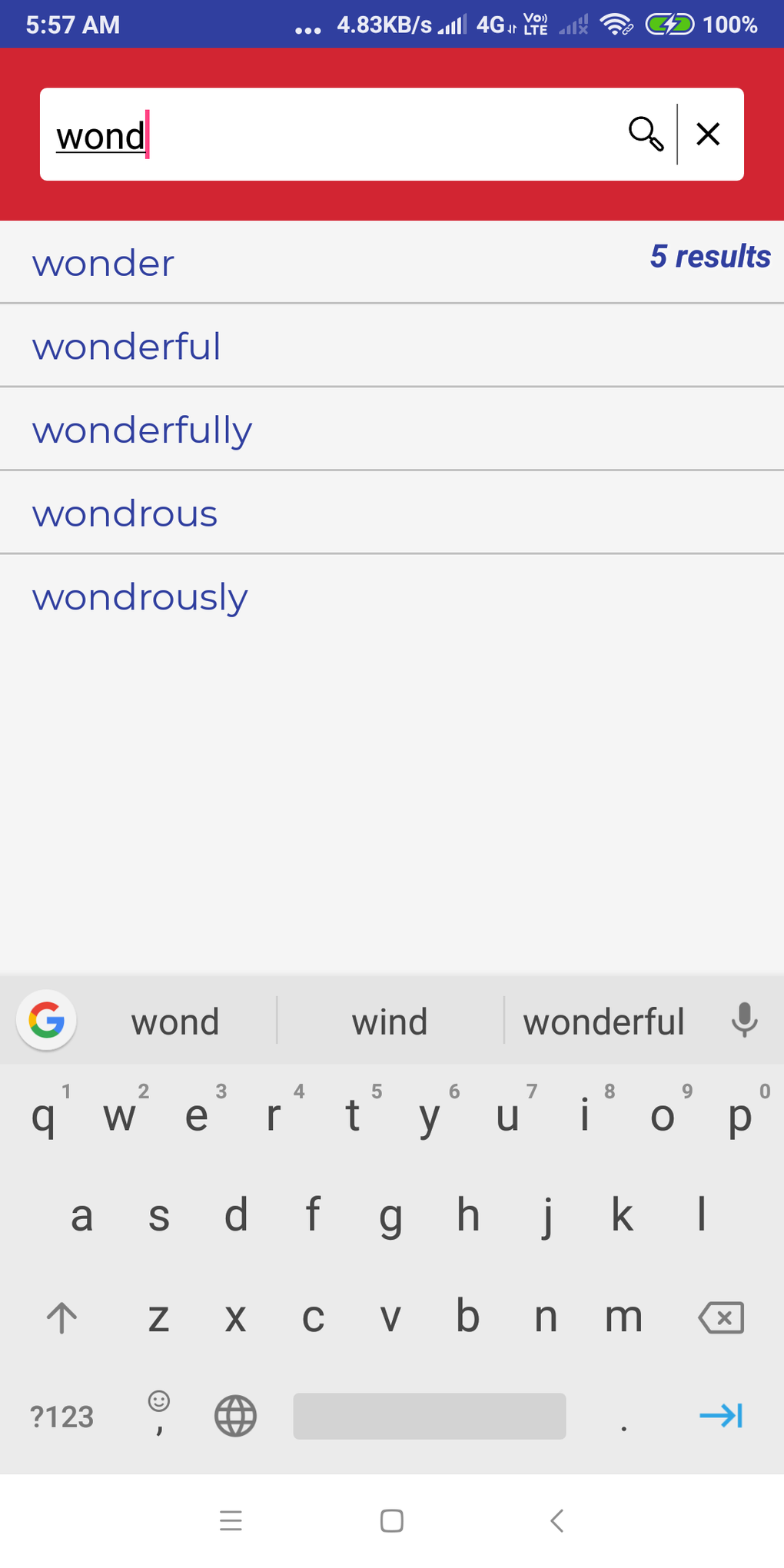
- Auto-Complete Feature: As users type, the app suggests relevant words, reducing input time and improving navigation efficiency.
- Lightweight Design: The application requires minimal storage space, making it suitable for devices with limited memory.
- Free to Use: No subscription fees, in-app purchases, or hidden costs—completely free for download and operation.
- Pronunciation Support (Upcoming): The developers have indicated plans to introduce a built-in pronunciation algorithm in future updates.
These features collectively enhance the user experience by combining speed, accuracy, and educational value. For example, a student preparing for a Hindi exam can quickly look up vocabulary and review sentence examples. A traveler in India can translate signs or menus without relying on mobile data. The auto-complete function streamlines the search process, especially for longer or complex words. The lightweight nature ensures smooth operation even on older devices. The developer did not specify resource usage details, and performance observations are based on general software behavior patterns.
User Interface, Workflow & Performance
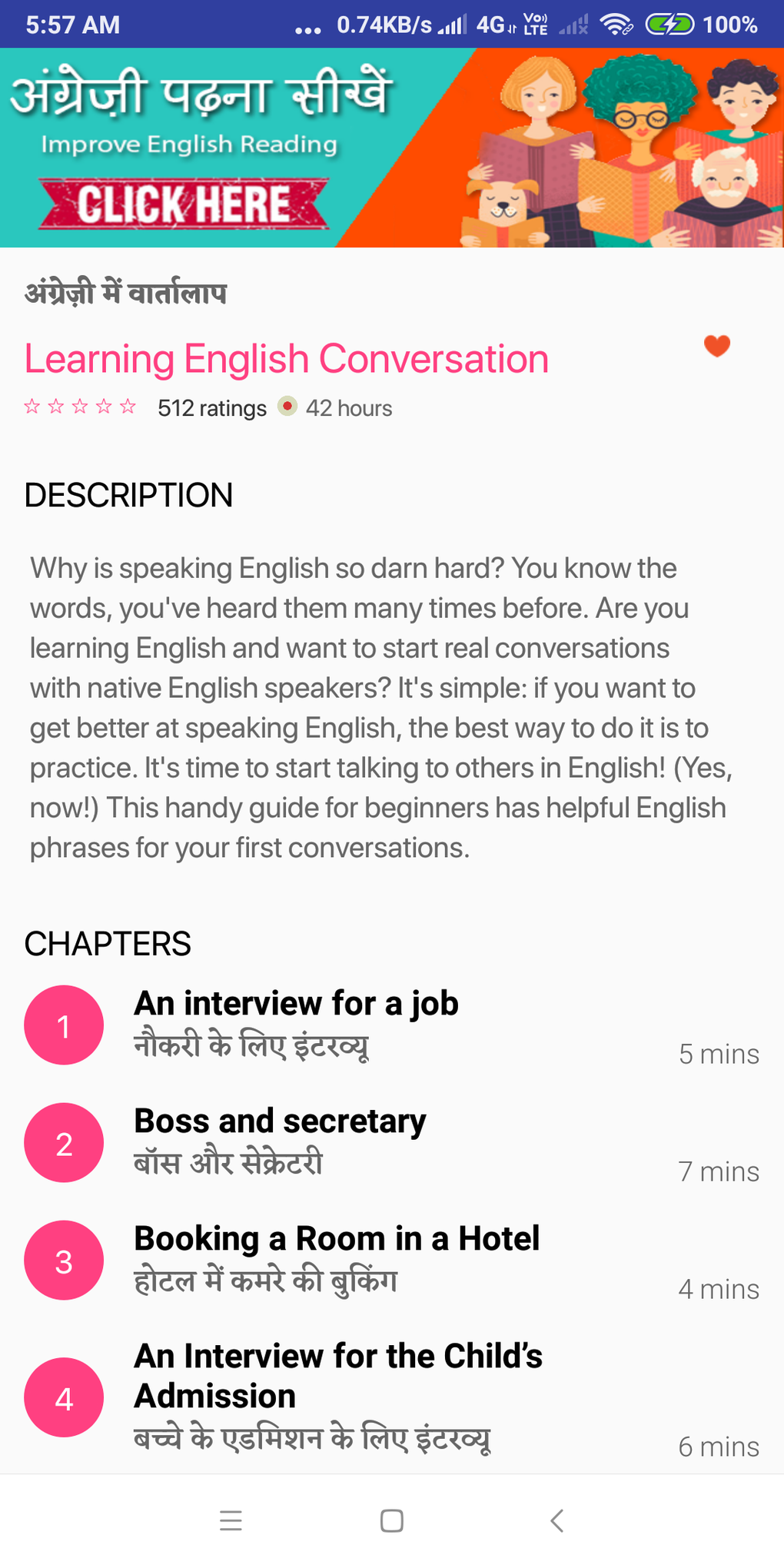
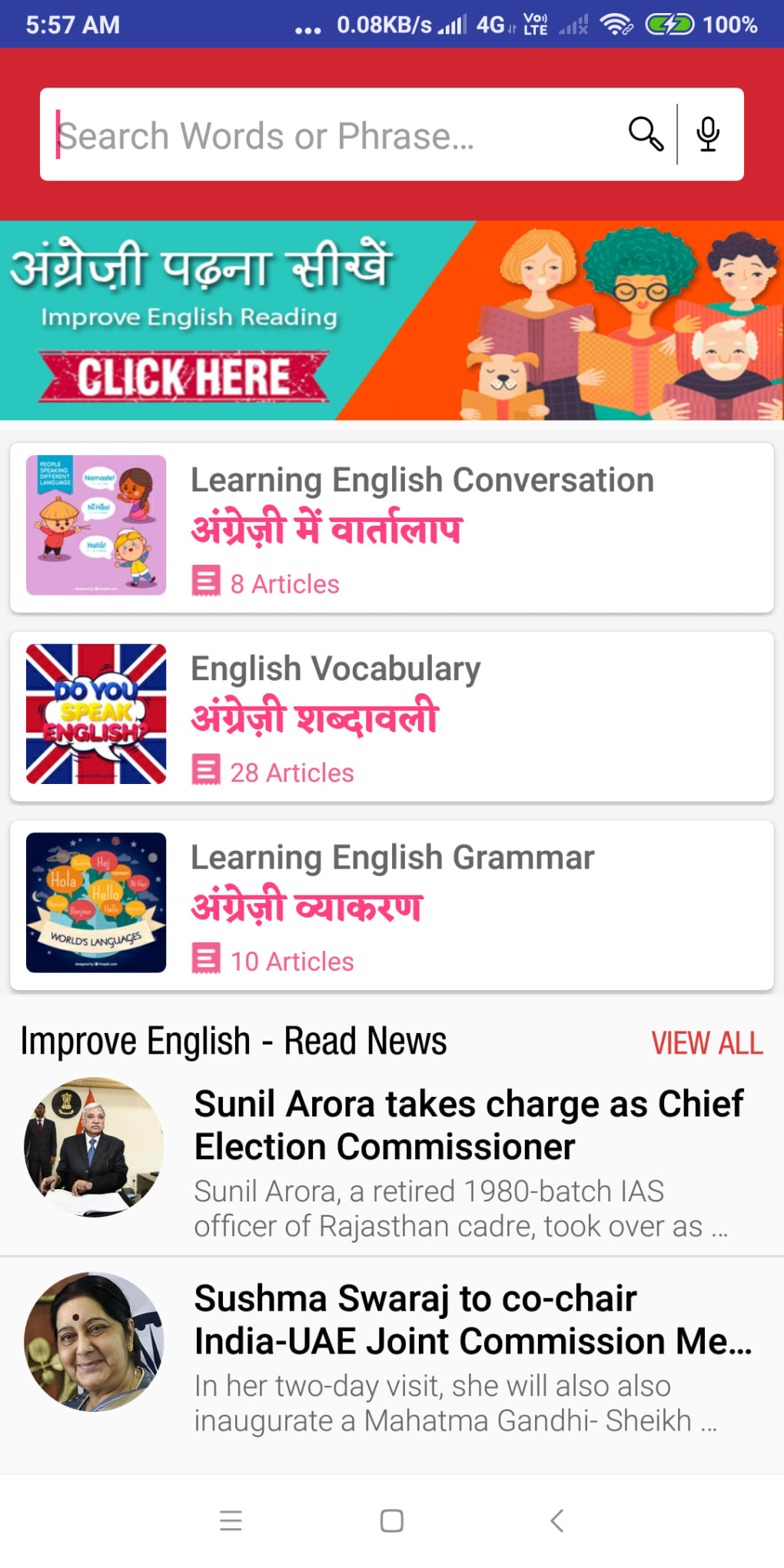
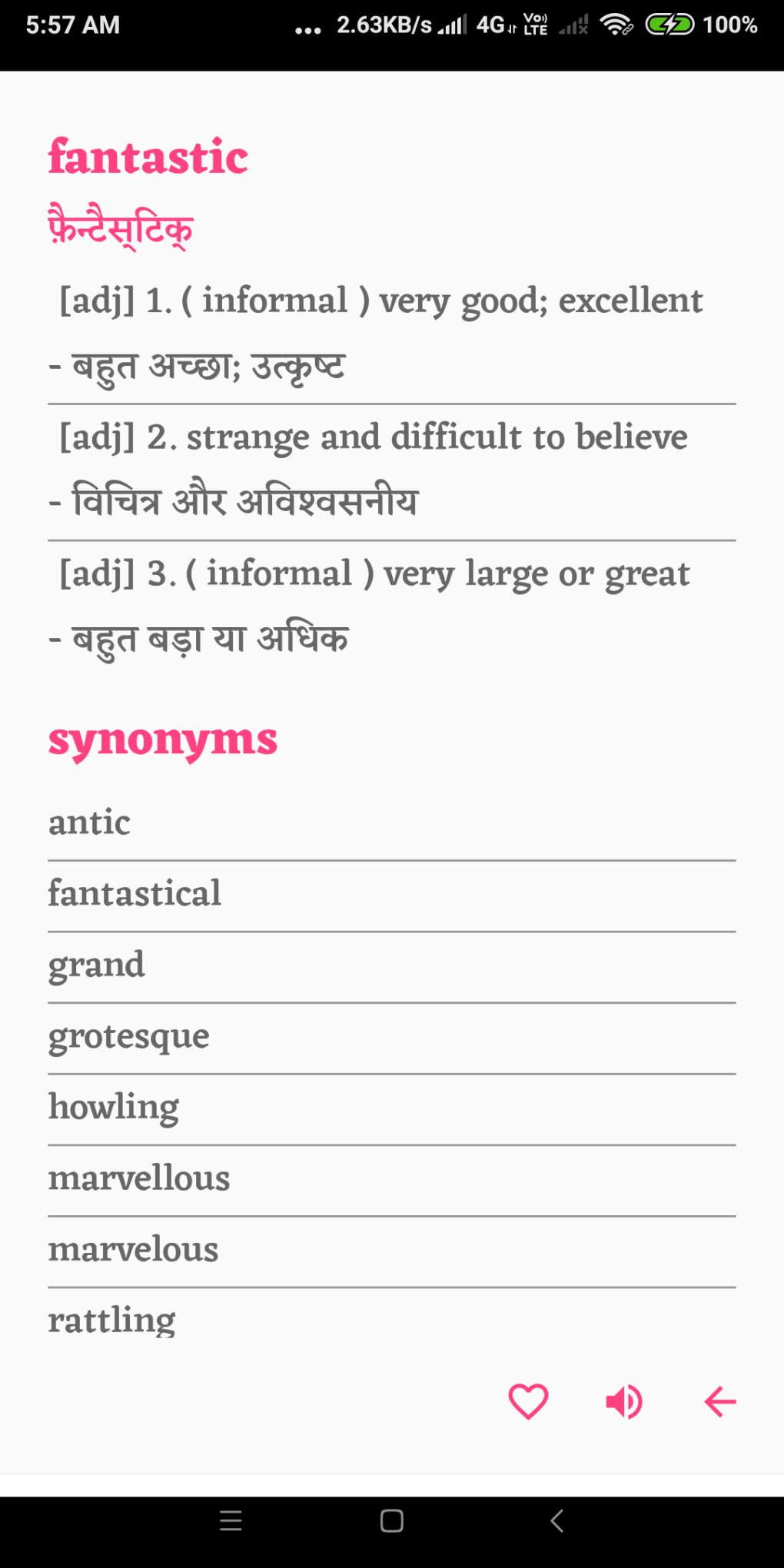
The user interface is designed with simplicity and functionality in mind, prioritizing ease of access and intuitive navigation. The layout allows users to enter a word via keyboard input, with immediate results displayed in a clean, readable format. The auto-complete feature enhances workflow efficiency by predicting and displaying potential matches as the user types. The grammar section is accessible directly from the result page, offering contextual examples that support deeper understanding. Navigation between different sections—such as word lookup, saved entries, and settings—is straightforward, minimizing the learning curve. The application does not require complex setup or configuration, enabling users to start translating within seconds. The developer did not specify resource usage details, and exact performance metrics were not provided. However, the lightweight design suggests efficient memory and CPU utilization. Stability is expected to be high, given the absence of ads and third-party integrations. The app is safe to use, with no malware or spyware detected. General performance observations are based on typical behavior of offline mobile applications.
Compatibility & System Requirements
The English to Hindi Dictionary APK is designed for Android-based smartphones and is compatible with a wide range of devices. It can also be used on tablets and laptops, though specific OS versions or hardware specifications were not listed. The installation size is minimal, reflecting its lightweight nature. The developer did not provide detailed system requirements, including minimum RAM, processor speed, or storage space. Compatibility information is limited to device types rather than specific operating system versions. The app is available as a downloadable APK file, which may require enabling installation from unknown sources on some devices. The developer did not specify whether updates are delivered through official app stores or direct downloads. Exact performance details were not specified.
Pros and Cons
Pros
- Completely free to download and use with no hidden costs
- Offline functionality ensures access without internet connectivity
- Large database of over 65,000 translations
- Auto-complete feature improves search speed and accuracy
- Lightweight and suitable for low-end devices
- Safe to use with no malware or spyware detected
- Includes grammar examples for better contextual understanding
Cons
- Exact system requirements were not provided
- No information on pronunciation support availability in current version
- APK installation may require enabling unknown sources on some devices
- Developer background and company details are not disclosed
- Limited information on update frequency and maintenance
FAQ Section
Is the English to Hindi Dictionary APK safe to download and use?
Yes, the application is reported to be free of malware and spyware. It is designed as a secure, standalone tool for language translation.
Can I use this dictionary offline?
Yes, the entire dictionary is stored locally, allowing full functionality without an internet connection.
Is the app available for iOS devices?
The software is currently available as an APK for Android devices. Information about iOS compatibility was not provided.
Does the app require a subscription or in-app purchases?
No, the application is completely free to use with no subscription fees or in-app purchases.
Will the app receive regular updates?
While the developer has indicated future improvements, including a pronunciation feature, the update frequency and release schedule were not specified.
Final Thoughts + CTA
The English to Hindi Dictionary APK stands out as a practical, accessible, and reliable tool for anyone needing quick, accurate translations between English and Hindi. Its offline capability, extensive vocabulary, and user-friendly design make it ideal for students, travelers, and language learners. The absence of ads, subscriptions, or hidden costs enhances its value proposition. While some technical details such as system requirements and update schedules are not disclosed, the app’s lightweight nature and safety record support its credibility. For users seeking a free, efficient, and secure language tool, this dictionary delivers on its core promise. Download English to Hindi Dictionary now to access over 65,000 translations anytime, anywhere—no internet required.
Guides & Tutorials for English to Hindi Dictionary APK
How to install English to Hindi Dictionary APK
- Click the Preview / Download button above.
- Once redirected, accept the terms and click Install.
- Wait for the English to Hindi Dictionary APK download to finish on your device.
How to use English to Hindi Dictionary APK
This software is primarily used for its core features described above. Open the app after installation to explore its capabilities.
User Reviews for English to Hindi Dictionary APK 0
No reviews found





